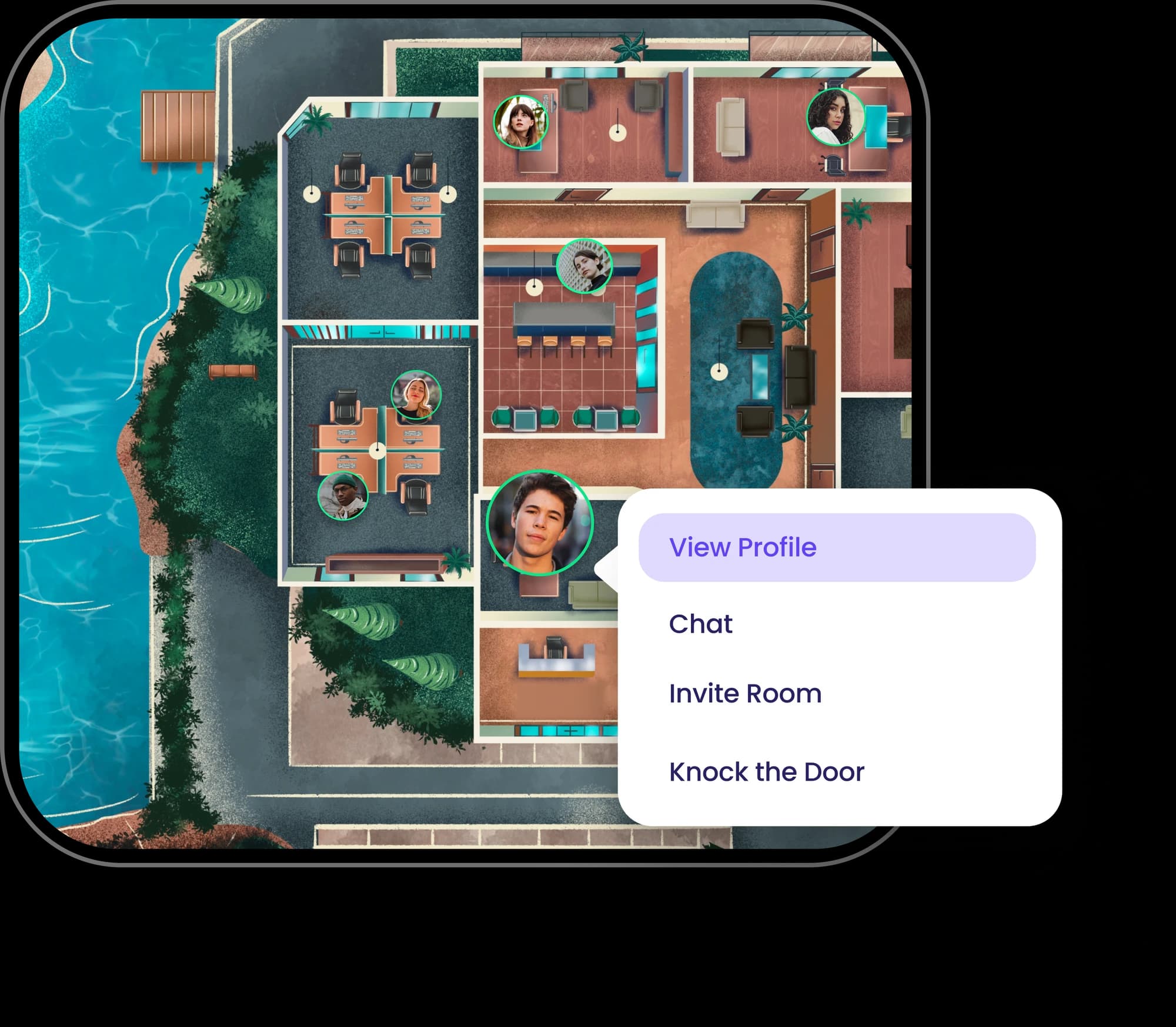

Invite a guest
When you create a meeting in the Parea calendar, Parea generates a link for each participant. Add a client, a candidate or a partner to the invitation and the link is sent to them by email.
The waiting room
Guests do not walk straight into your office. They arrive in a waiting room, and the host decides when to let them in. Your team's rooms and conversations stay private.
What guests can do
In the meeting, guests can use video and audio, share their screen and chat. They can see the whiteboard but cannot draw on it. Guests can see your office, but they cannot see people's photos or contact them.
Who uses guest access
- Sales calls and product demos
- Job interviews
- Client check-ins
- Meetings with partners and agencies
Frequently asked questions
Short answers to what teams ask us most.
Yes, on the Pro and Enterprise plans. You invite external guests with a link.
Yes. Guests wait in a waiting room until a host admits them.
No. Guests join from their browser without creating an account.
No. Guests join from their browser.
No. Guests are free and do not count as paid users.
Yes, guests can see the office. They cannot see people's photos and cannot contact them.